3… 2… 1… Let the Redbox testing begin!
admin / March 20, 2026
If you have been to redboxtinkering.com, the site redirects to duhweb.com and you click on “Redbox Downloads: Redbox Software & Drivers” at the duhweb.com/archive/redboxtinkering/software you will notice their are two zip folders one called Redbox Store Installer (3.1.0.48), and RedBox Technician Driver Kit. So what is in the two files?
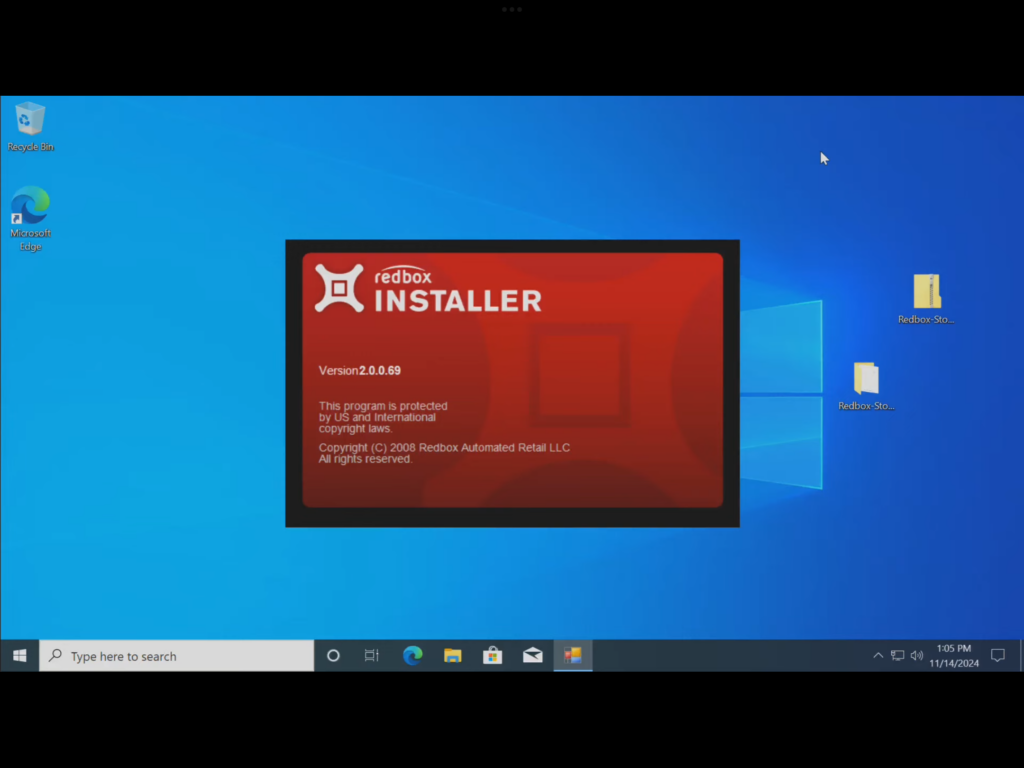
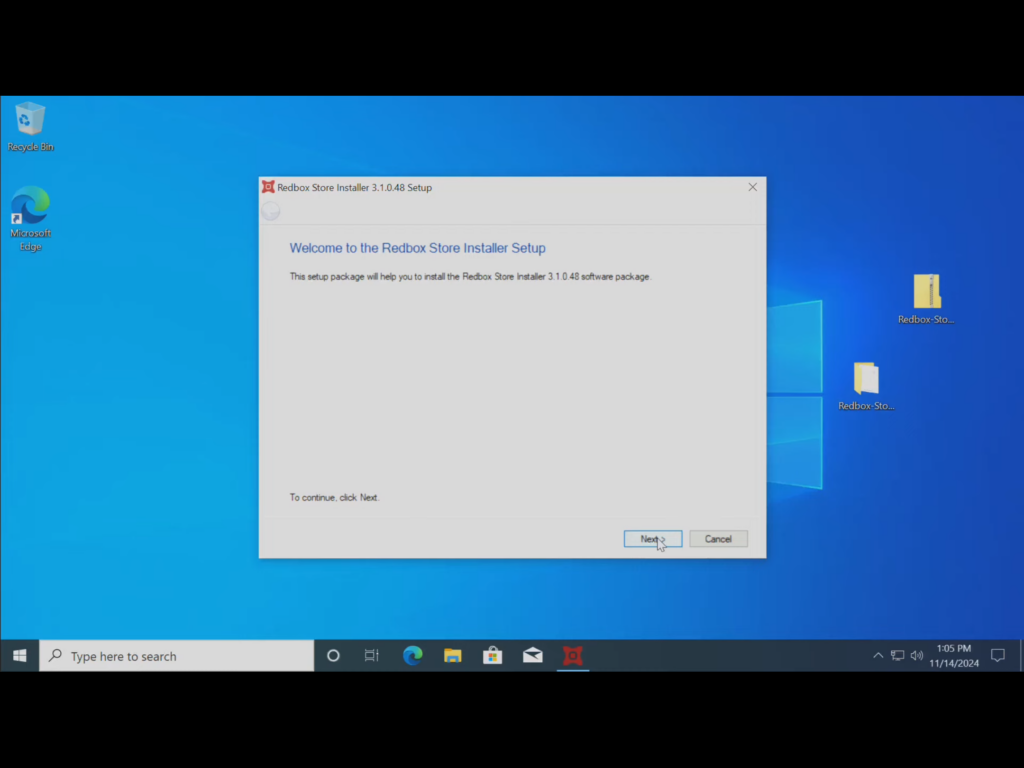
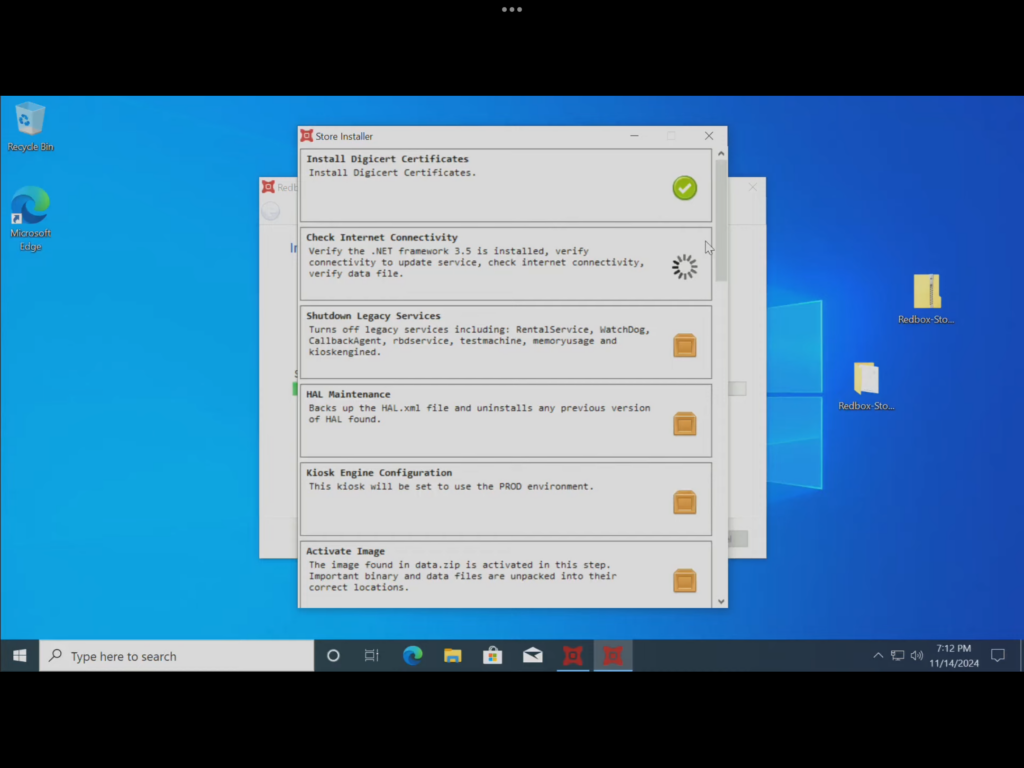
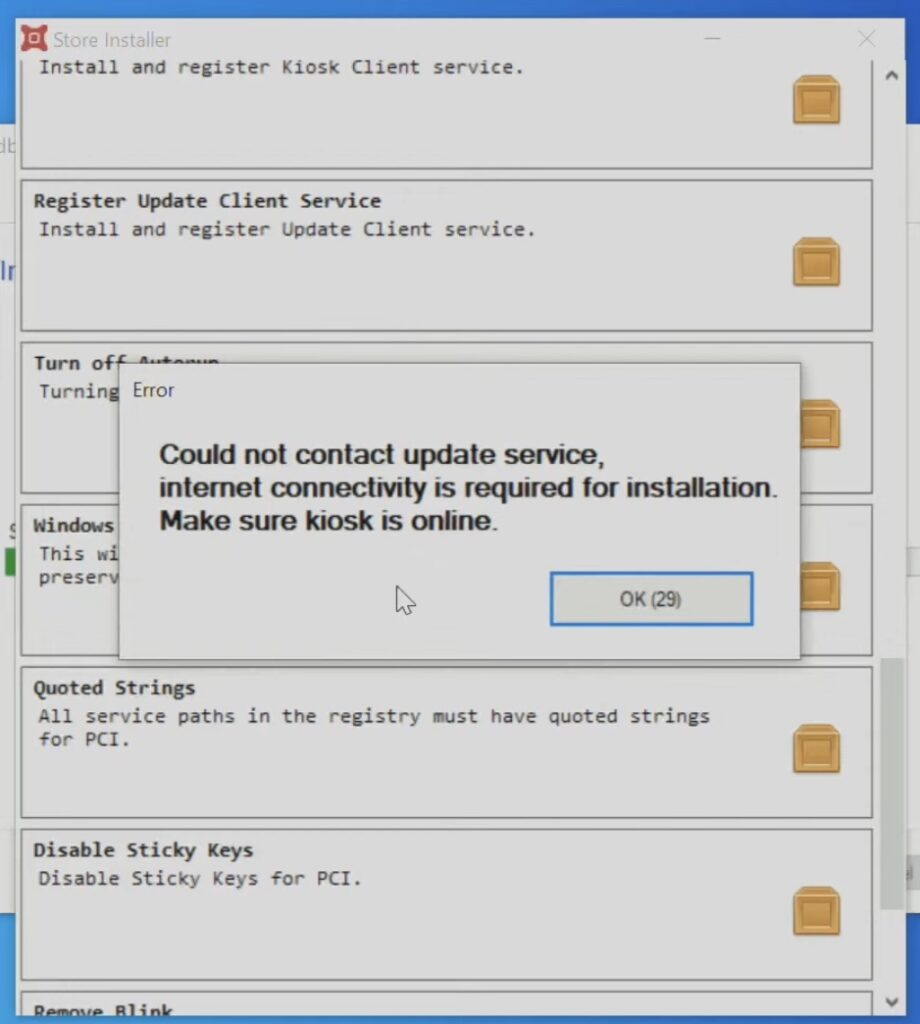
Redbox Store Installer (3.1.0.48) – The Redbox Store Installer seemed to get stuck for a while then started the installation wizard until it got to what appeared to be a check list and then gave an error saying an internet connection is required even though the computer was connected to the internet during the installation. After clicking on “Ok” the installation wizard continued for a while then said it was successful and a reset was required. I think the reason why the installation’s check list failed is maybe it needed to connect with Redbox’s servers that have since been disabled or disconnected.
After the computer restarted and came back to the desktop I waited a few moments as I saw the spinning circle then eventually turned into an arrow. After a few moments I decided to look around as it seems that nothing was going to load, I even looked at the program files and then looked in the control panel section “add or remove programs” and nothing seems to have been installed except for some USB driver.
The next item on the list to try out, is the Redbox technician driver kit, so what is included in the Redbox technician driver kit?
RedBox Technician Driver Kit – The technician driver kit just has different drives for the various components they use for the kiosk, such as the touchscreen, I would imagine the carousel that is inside the unit along with the credit card reader. Although I did not see any drivers for the credit card reader that was included in this zip folder.
this is a screenshot of the various files that is in the Redbox technician driver kit.
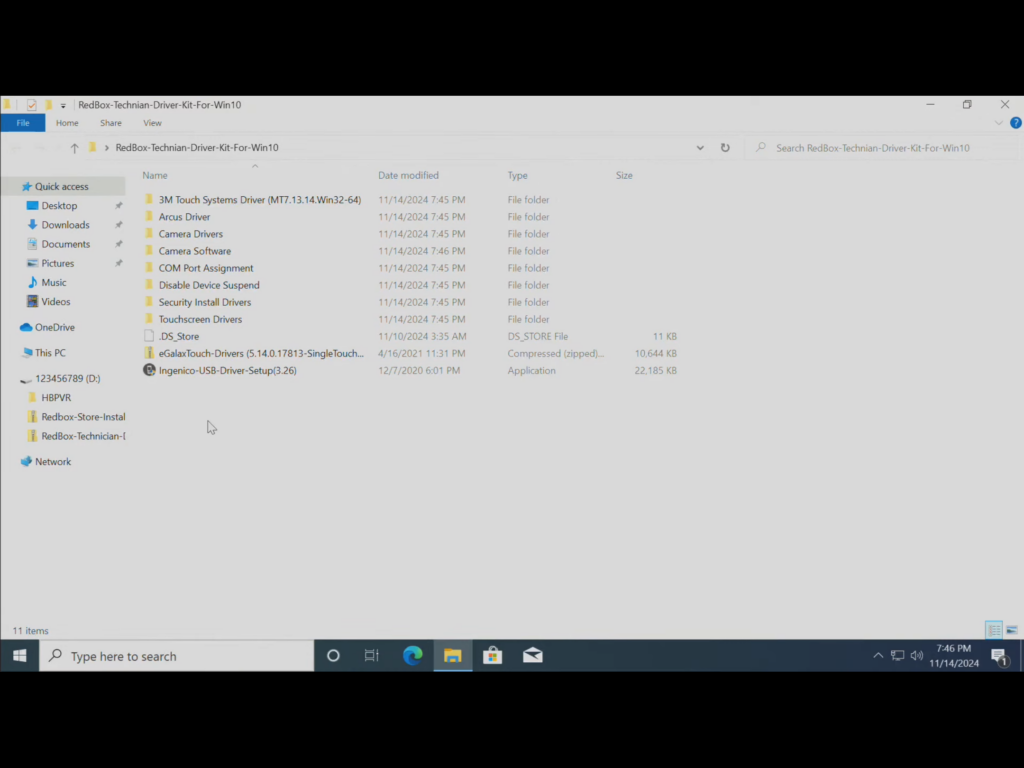
This is a text version of the contents of each of the folders name.
- 3M Touch Systems Driver (MT7.13.14.Win32-64)
- Arcus Driver
- Camera Drivers
- Camera Software
- COM Port Assignment
- Disable Device Suspend
- Security Install Drivers
- Touchscreen Drivers
- .DS_ Store
- eGalaxTouch-Drivers (5.14.0.17813-Single Touch…
- Ingenico-USB-Driver-Setup(3.26)
If you plan on trying to find macrium reflect free version which the last version to be free is 8.0.7783, will not work with the archive as this was created with a newer version. Older versions will be .mrimg, while the newer versions will be .mrimgx oh and no you cannot just remove the X either, try that did not work. Unfortunately, if you want to continue with this, you will need to download the 30 day free trial or If you want to continue to use the software, you would need to pay their subscription.