Do you use FreedomPop for free? You’ll now need to download the app to renew your subscription if you use the service for free.
admin / March 20, 2026
FreedomPop customers must manually renew their subscription each month since automatic renewal is not part of the free package and if you fail to renew within a certain amount of time they will consider you to have abandoned your account and eventually release your number back into the pool of available numbers for somebody else to use. You also won’t be able sign up with the same SIM card either. For at least four months, I have noticed that they have not gotten any new SIM cards back in stock so if you wanted to re-sign up, you would need to purchase a Sim card from the third-party retailer either online or in a brick and mortar store.
If you go to login to your account and go to the renewal page, you’ll notice that there is no option anymore to renew as seen in the photo below. Instead of the blue button that says renew you now see a great box that says “Time to renew your plan! Your current FreedomPop plan for (###) ### – #### has expired. Please use the FreedomPop app to renew your service.” The app is available in App Store (iOS, Apple) and Google Play (Android).
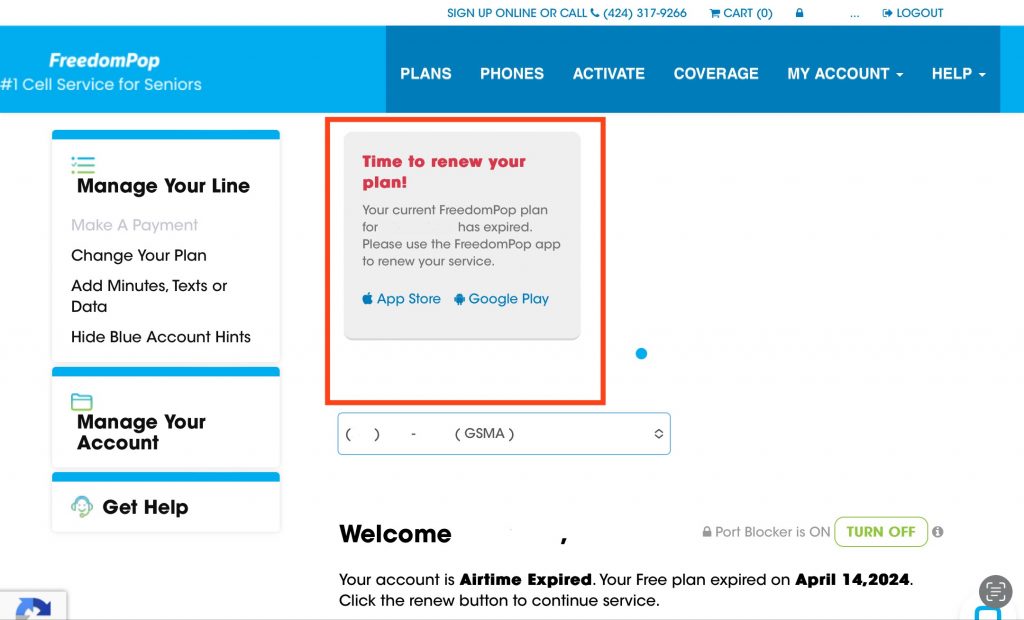
For this guide, I will be using the App Store since I have an Apple device.
Tap on “App Store” and the App Store will Open up and you’ll be taken to the app that they are telling you that you will need to download in order to do the renew. The link for the app for App Store is https://apps.apple.com/us/app/freedompop/id1524784962 (direct link)
Tap on “Get” and you may be required to enter your login credentials in order to download the app or use your biometric finger without having to enter login credentials, such as username and password or passcode.
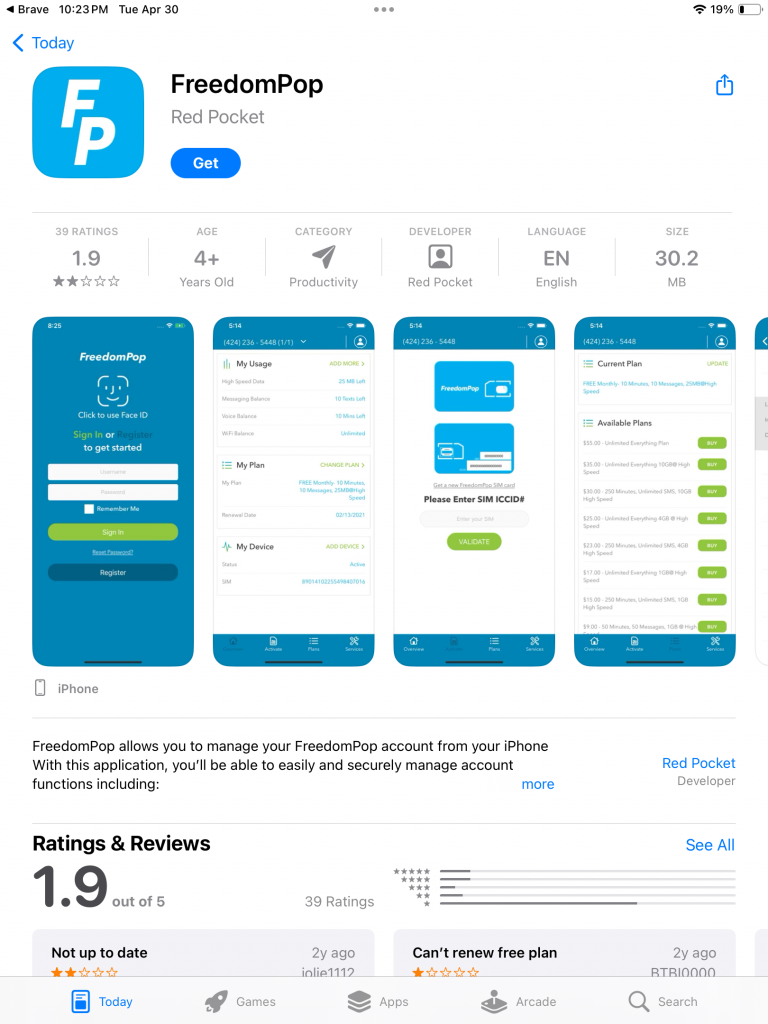
If you are prompted to enter authenticate yourself please do.
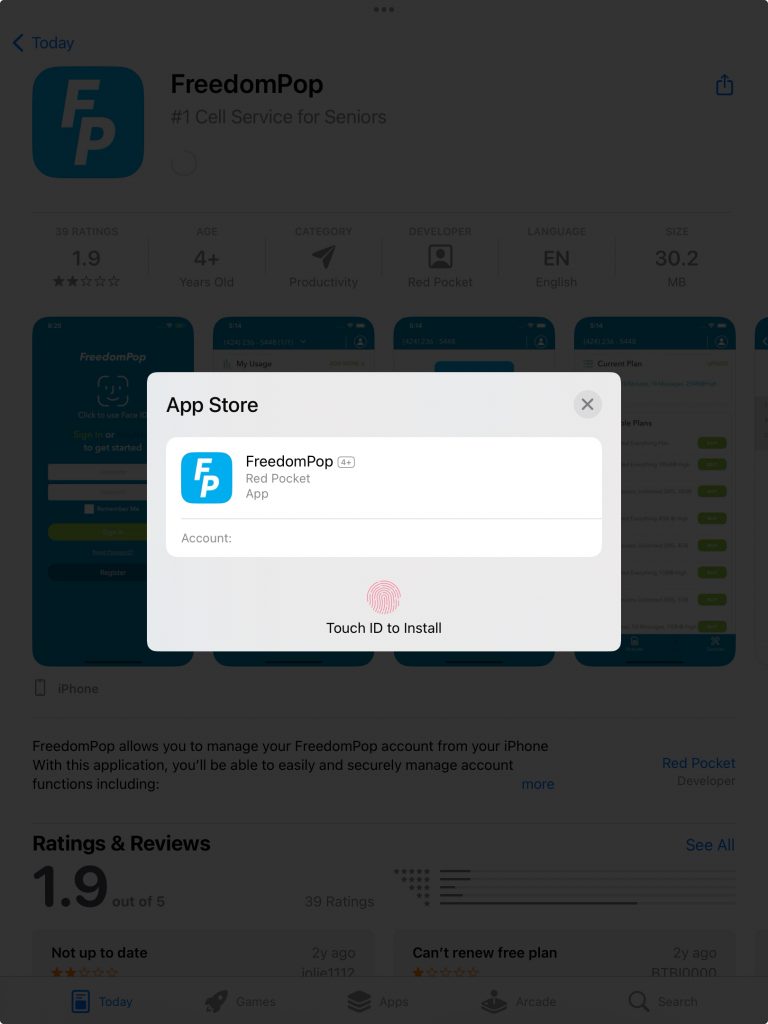
After you have authenticated yourself the downloading will start by indicating by a circle starting.
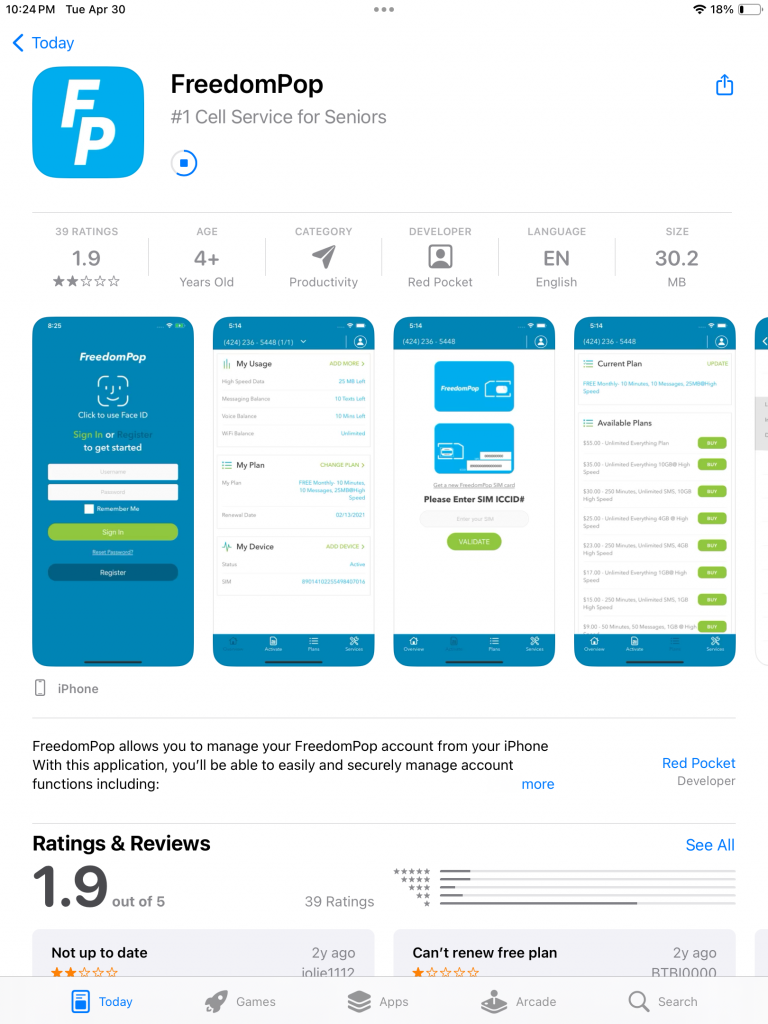
Once download is completed the circle should change to say “open“, one you open the app you will need to login, the same login credentials as you login to the site is the same login information you will use to login to the app.
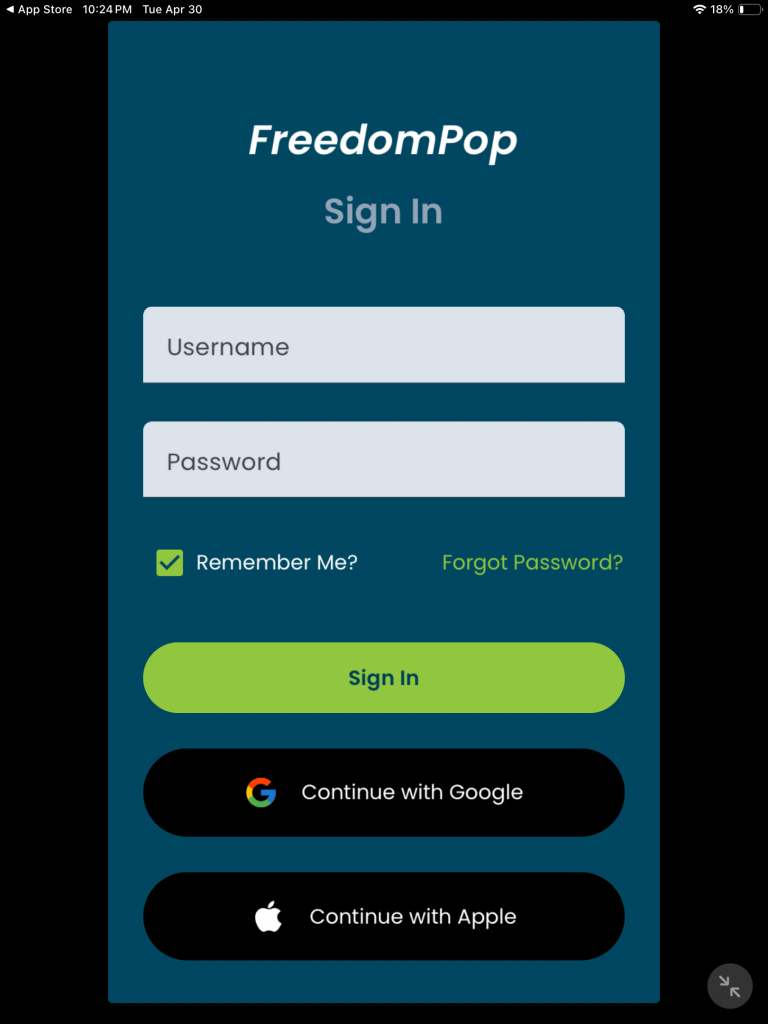
After you have signed in with your login credentials within a few seconds you may see an advertisement within about 10 seconds you will see an X appear that will allow you to close the advertisement. After you have closed the advertisement, you should see a large red button that says “RENEW”. If you have more than one line next to your phone number (XXX) XXX – XXXX you should see an arrow pointing down, tap on that then choose the phone number and you should see large red button that says “RENEW”.
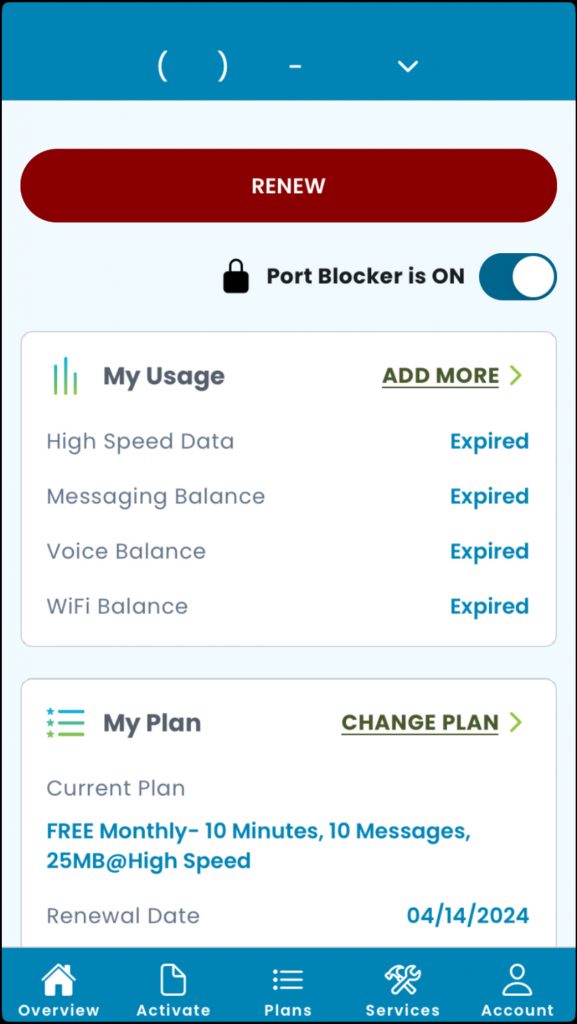
After you have chosen the phone number, you wish to renew if you have more than one, tap on the large red button that says renew, FreedomPop will show you an advertisement within a few seconds you’ll be able to close the advertisement.
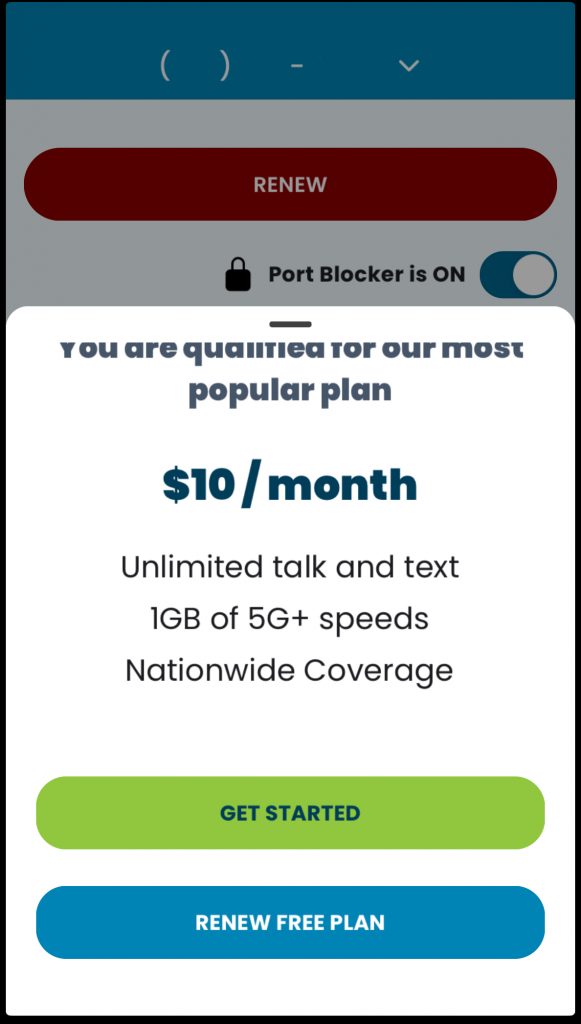
After you close, the advertisement, FreedomPop is going to make an offer to you and it is your choice if you wish to accept the offer or decline the offer. Declining the offer will not change your account. It will not affect your abilities to renew if you do choose to accept the offer be sure to read everything, including the fine print.
To decline the offer, simply tap on “ RENEW FREE PLAN”.
After you have clicked on RENEW FREE PLAN you will now need to tap on SUBSCRIBE.
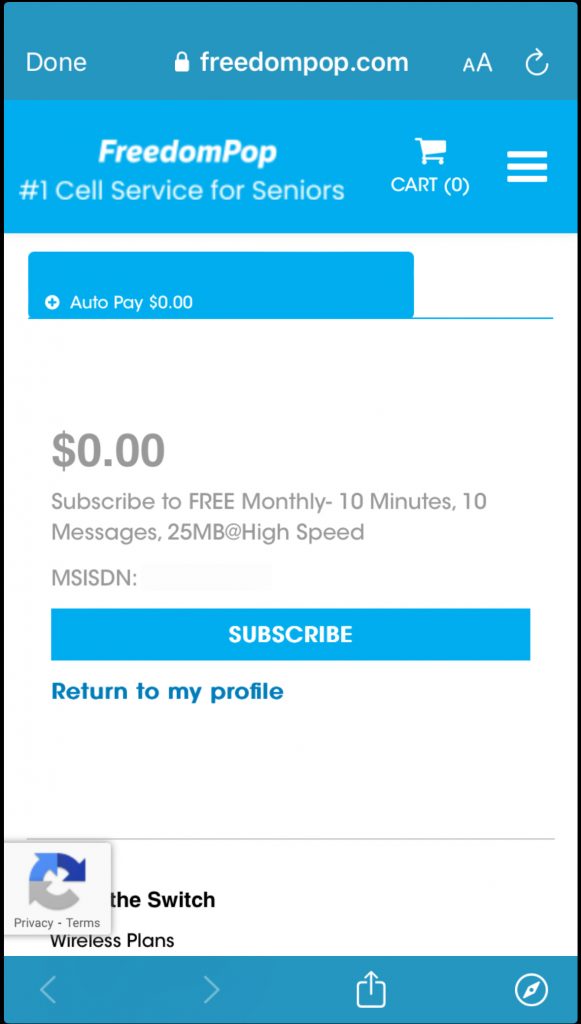
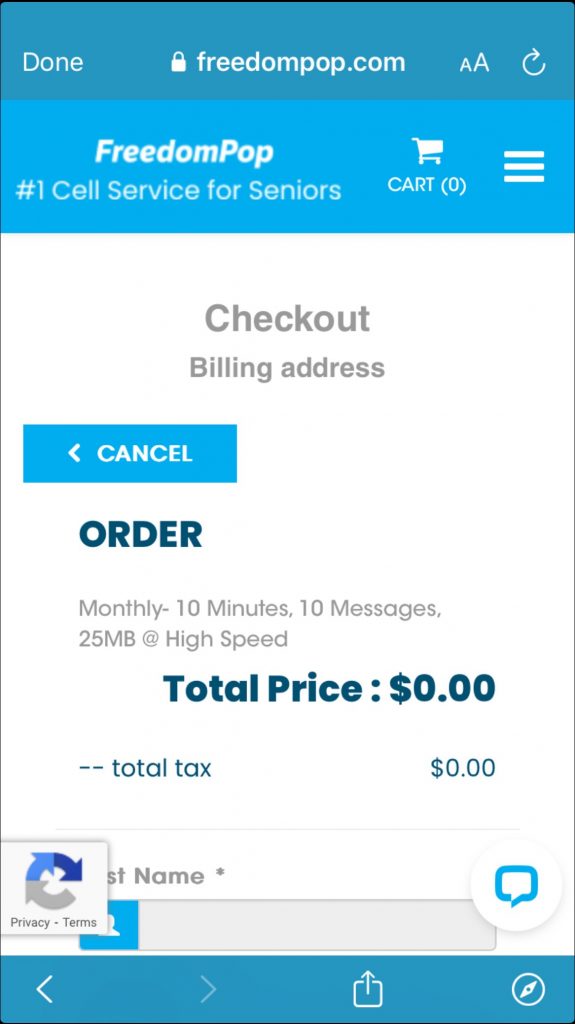
On the screen, you will need to enter your billing information, Credit card information and you also need to agree to their terms. After this You should see a blue button, tap on that button and on the next screen, you should receive an order confirmation. It may about a minute or two in order to activate your subscription.
It’s not clear why FreedomPop decided to make all subscribers, who are using the service for free to renew exclusively through the app as opposed to using the app and/or the web browser as many users did. My guess the reason that they are choosing to use the app as opposed to the web browser is so that way they may be able to show you advertisements that are much more difficult to block as opposed to a web browser where it would be easier to block them.
Taking a look around this app, it does not seem that this app provides any other function other than for handling renewals, subscriptions, etc. I think with them now requiring anyone who is using the service for free I’m assuming this could be problematic for those who have an older device where the app may not be available as the app is not compatible or those who don’t have a smart phone or iPad or tablet It could be problematic for them to renew if they no longer offer the traditional way, which is using a web browser on a computer. Maybe those individuals would have to call in or open a support ticket.