How to sign up and use riseup.net email?
admin / March 20, 2026
In order to sign up you must have an invite code also known as an invitation code. if you don’t have this you will not be able to sign up.
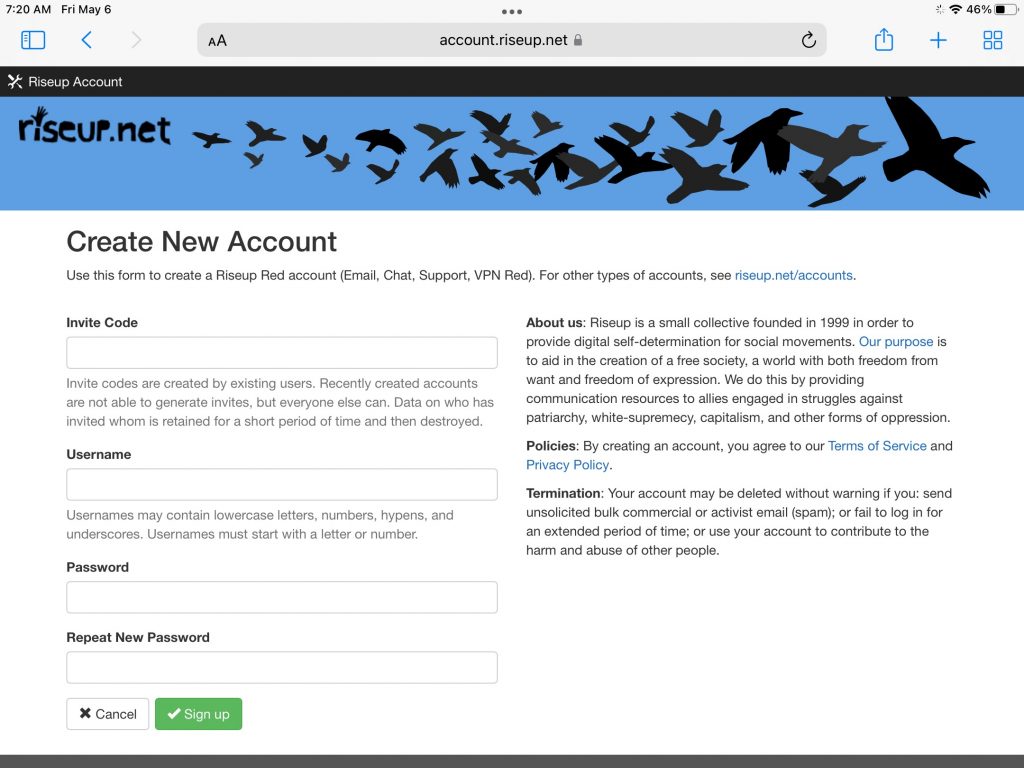
Go to https://accounts.riseup.net/user/new and enter and following information, all fields are required. You will need to enter the following, the invite code, username, password and you’ll need to verify your password by reentering it, last press signup.
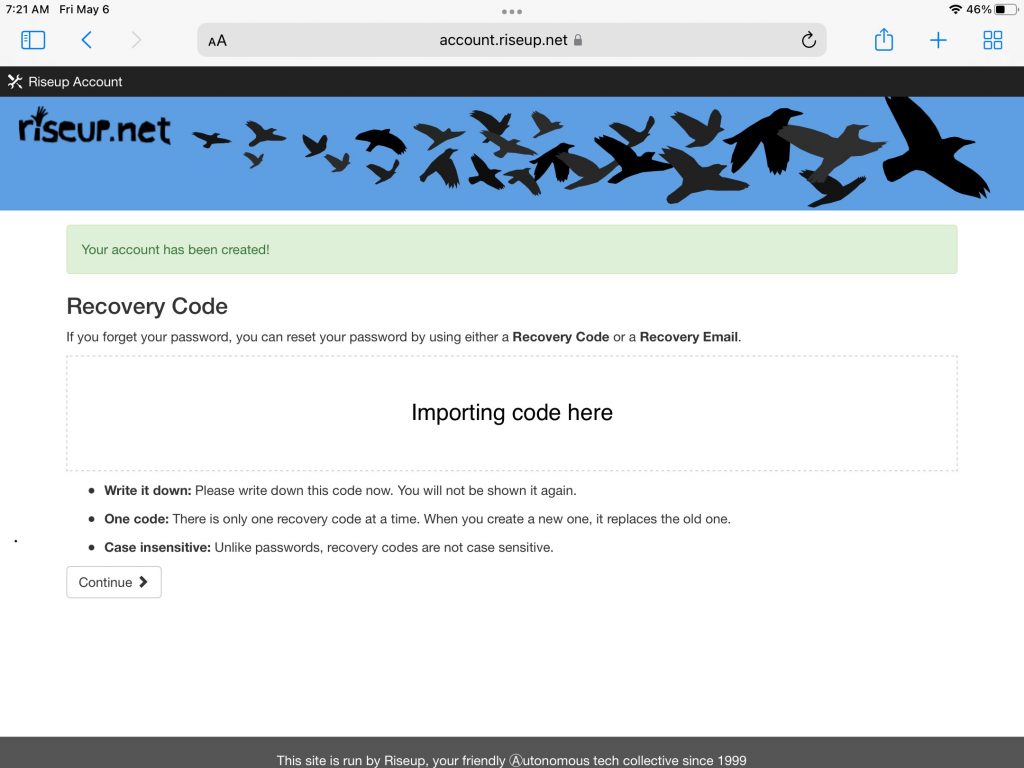
On the next page it is EXTREMELY IMPORTANT that you save this code, this code is a recovery code if you should forget your password. After you have saved this code, press continue.
Now that your account has been successfully created, you have saved that important code for the first time logging in your page will look like this. In the top right hand corner you’ll see do user name that you chose, in the screenshot it has been redacted comment next to where it says “welcome” they also say throw username that’s also been redacted. We were called this part demonstrated section as he won’t be able to get information on how to configure your email, change password.
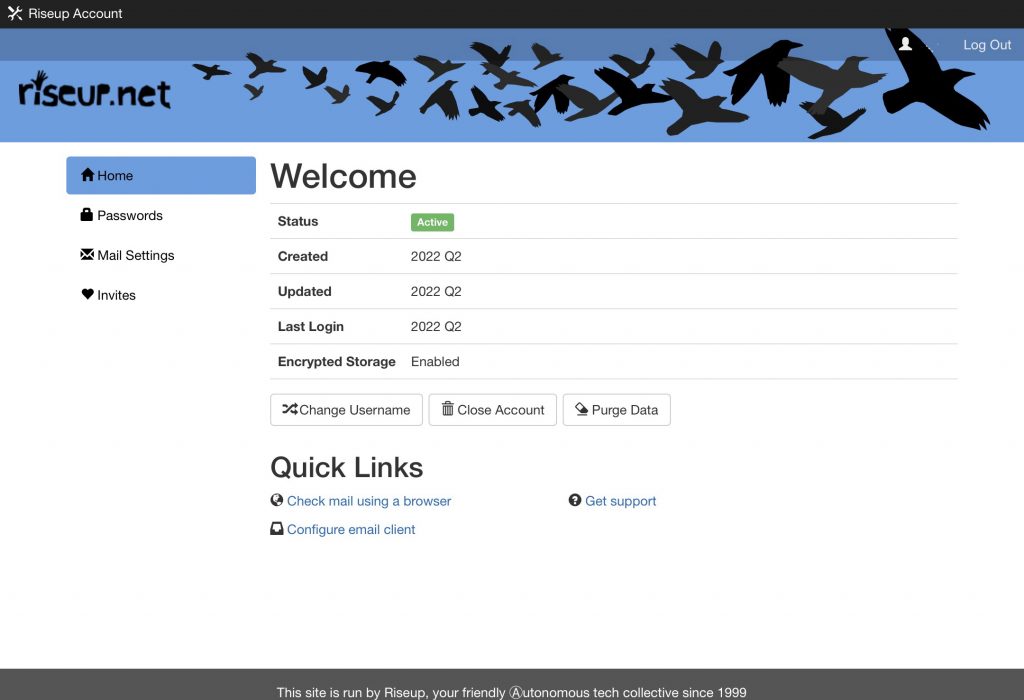
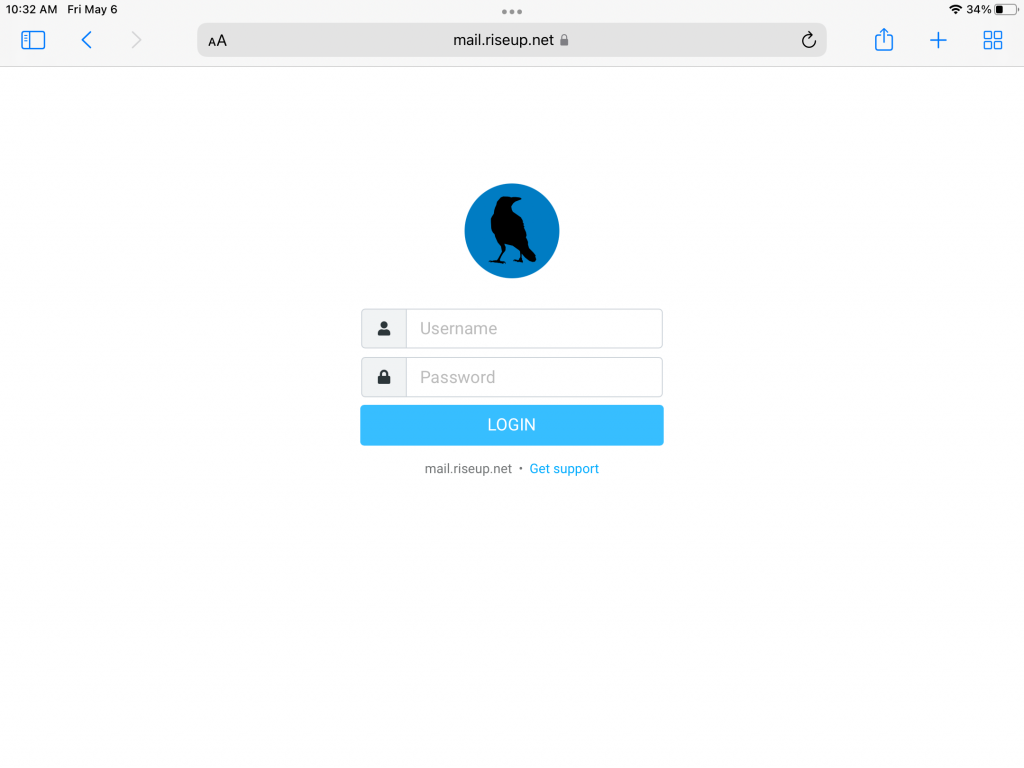
Now that your account has been successfully created, and you’re ready to use your email, there isn’t a link from the administrative control panel that’s that’s what I’m calling the page as seen in the screenshot above. you can head to the main page riseup.net, then click on ” log into web mail“ or use the Direct link witches https://mail.riseup.net/rc.
You will be required to enter your username along with your password.
Once you have logged in, there will be an email titled “Welcome to Riseup!”, I STRONGLY RECOMMEND that you read this email as this will contain very important information about using your @riseup.net email account.
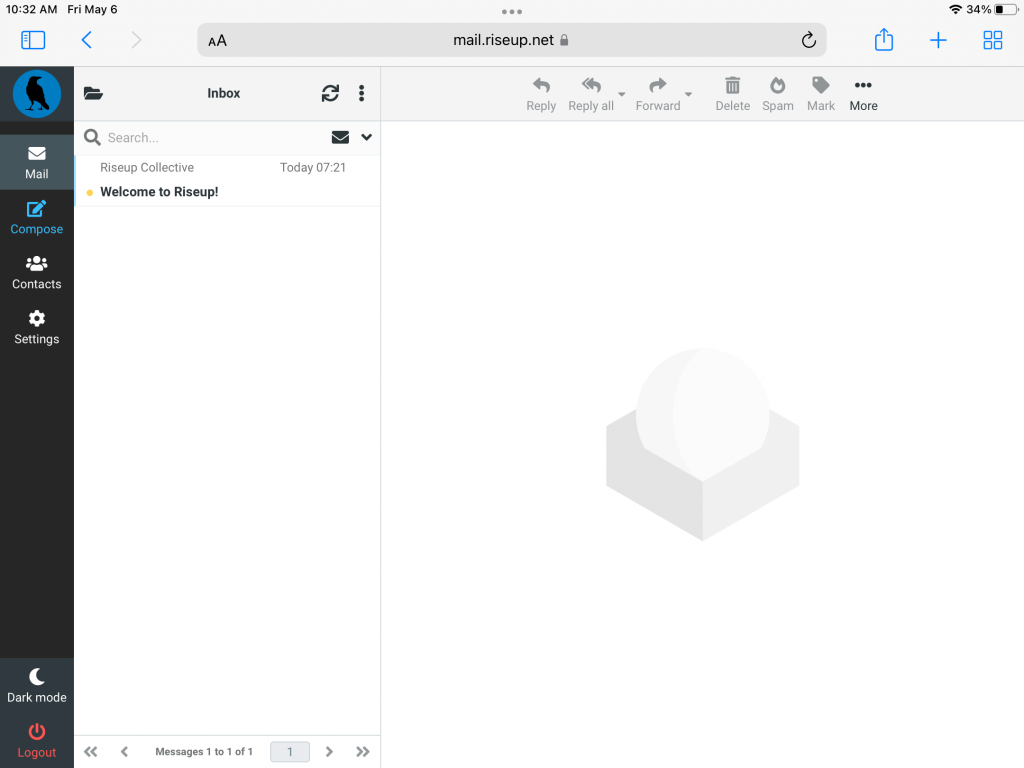
Here are some things that you should know about using your riseup.net email.
- Newly created account won’t be able to generate invite codes. According to their site they say that this feature will be turned on automatically. They don’t specify the timeframe and I doubt that if you send them an email they will make any exceptions to turning this feature on.
- As stated during the sign-up process and also in the email that you received you should take note of the recovery key that would be used to reset your password in the event that you forget your password.
- It is definitely recommended that you choose a password that is difficult for somebody else to guess to prevent unauthorized use/access to your email. According to the website and other users if for example your account get suspended for violating one of their terms i.e. spamming, sending emails containing viruses or spyware, just to name a few you not only risk loosing your account but the person who sent you the invite can loose theirs as well.
- Be sure to login at least once a month in order to keep your account from being classified as “abandon”, according to their website if you fail to log in for an extended period of time your account can be terminated without any warning. they do not specify what is an extended period of time so that is why I am recommending you log in your account at least once a month.
- If you use a public computer such as at a library, school or even a shared computer be sure to always log off and if possible close the web browser or you can always opt to use if available use private browsing so nothing is saved.