Google’s anti-bot by solving a Captcha, and after thats solved only then told to sign-in to prove your not a bot?
admin / November 25, 2026
In the screenshot below I asked Google’s AI “Gemini” a very basic question “How to setup HDHomeRun?” and the reply I got is “Something went wrong and an AI response wasn’t generated.”.
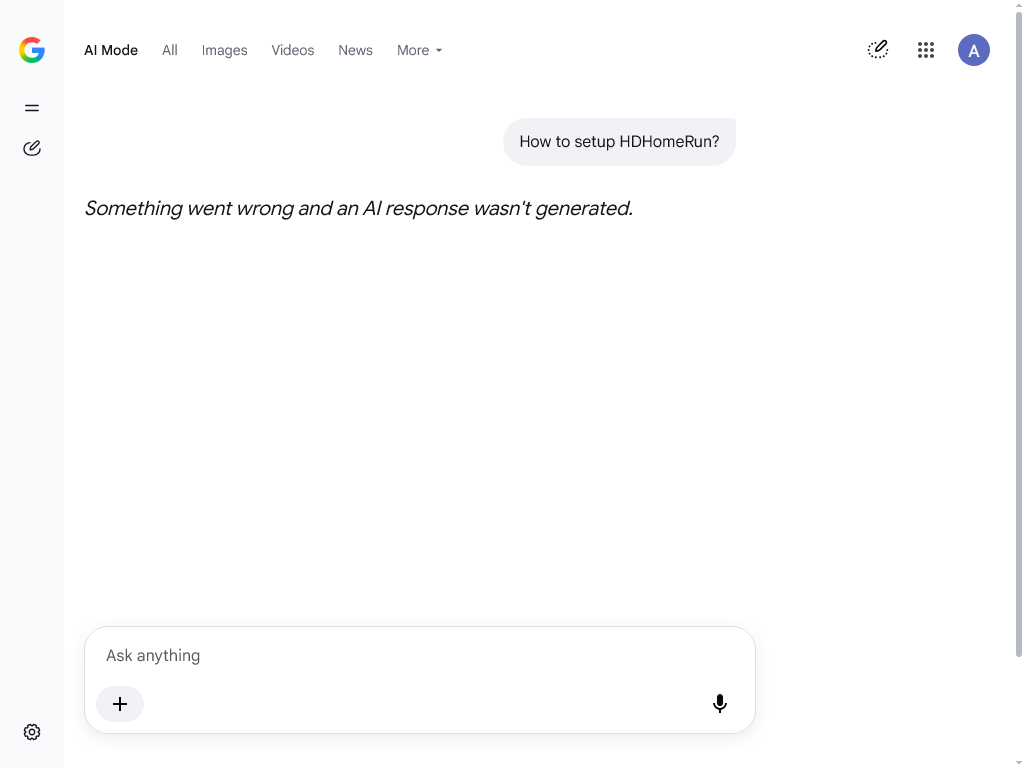
It is understandable that no website is error-free, and yes, even Google is known to sometimes have hiccups where for some reason the site is not working as it should be. The issue(s) can also be on your side of the cable as well, such as your ISP (internet service provider) having some issues; during peak hours when people are more likely to be using the internet, there can sometimes be congestion just like a road during rush hour; web filtering by your ISP, school, or place of work; a VPN (virtual private network); your computer or your own network; and maybe if you have any ad-blockers, as they can sometimes affect a site’s ability to work correctly, or old cookies that may be the cause of this issue.
Before putting the blame on anyone, it’s always a good idea to do some basic troubleshooting steps to see what might be the cause. The first step is to sometimes use another web browser or even use Incognito, as this allows you to use Google or any site without being signed in, and you don’t have to sign out, clear cookies, or anything, because when you use Incognito it starts each session as if you just opened the browser for the first time, and when you close the Incognito window it clears any history and cookies.
I opened a new window in Incognito and then in the address bar I entered google.com > entered my search term ‘How to setup HDHomeRun?’ and the next screen was for me to solve a Captcha, as Google says they have detected automated or unusual activity. Solving the Captcha, like ‘click on all traffic lights’ with nine images where three of those images are traffic lights, and then pressing submit usually allows you to continue with the search term.
After solving the Captcha this time, it was different—instead of being allowed to continue with the search, Google then says ‘Sign in to verify you’re a human and see more results,’ as seen in the screenshot below.
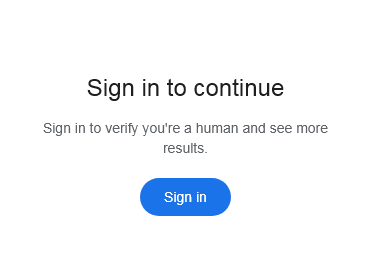
When you see this page that says ‘Sign in to verify you’re a human and see more results,’ the only thing you can do to continue on that page is to sign into your Google account if you have one and if you can remember your login credentials.
So I clicked on ‘Sign in.’ They do allow you to sign in or create an account, but creating an account also comes to a roadblock as well. I will skip the steps like having to enter your first and last name, date of birth, gender, picking a gmail.com address or using your own domain name, and then having to verify the email address you chose if you’re using your own, as both ways will come down to this step—and that is having to open your camera on another device and then scanning the QR code before being allowed to complete the signup process.
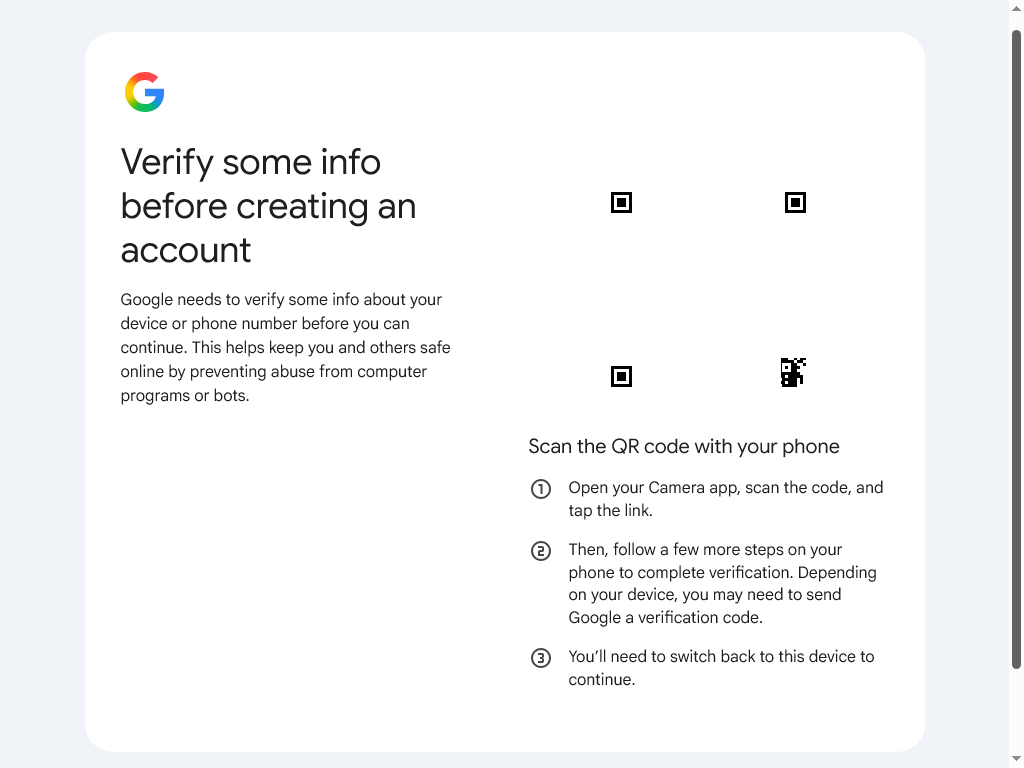
I can see how Google is trying different ways to keep Google’s ecosystem safe from bad actors like bots that create accounts for spamming while finding ways to make it not as hard for people to continue, but unfortunately this is also having some unintended side effects:
- Users whose accounts are suspended or terminated for policy violation(s) are not allowed to create a new account, as this is against Google’s own terms and could be seen as a way to evade a ban (e.g., a suspension or termination).
- While someone generally needs to be 13 years or older to create an account on their own, a parent or legal guardian of a child under 13 may not allow or want their child to have a Google account yet.
- Not everyone wants to always sign in, as they may be using Google on a public, work, school, or someone else’s computer to perform a basic search.
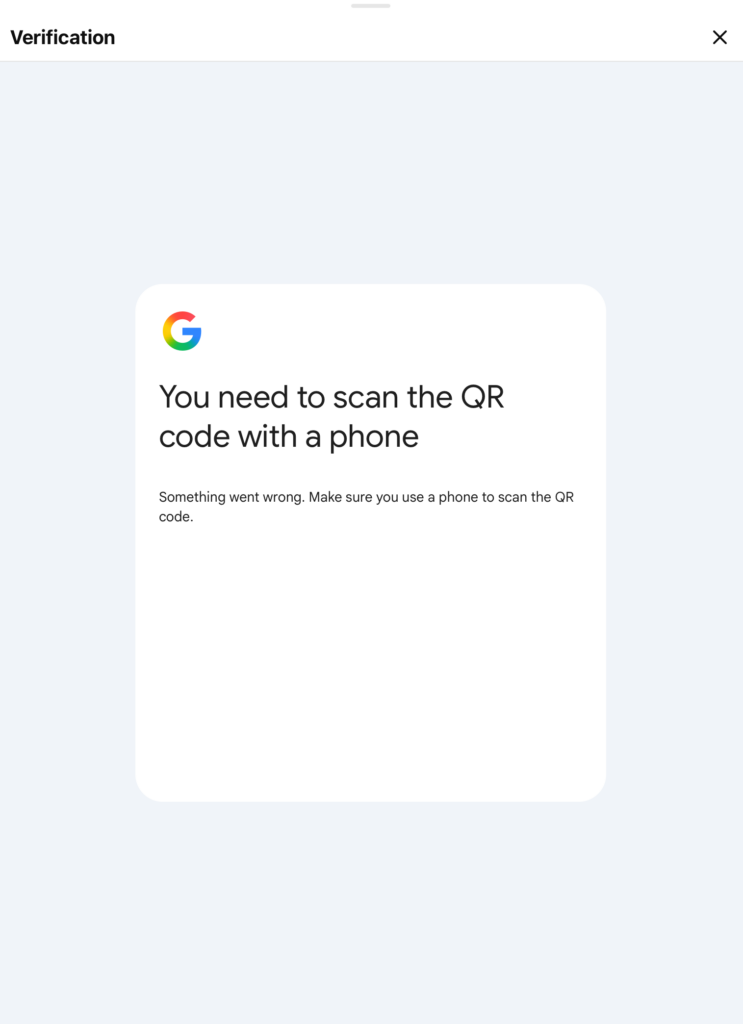
While Google does not say at first that you must scan the QR code with a phone – they simply say to open your camera and scan the QR code – when you scan the QR code on an iPad, your computer or the device you’re creating the account on will display a message specifically requiring a phone, as seen in the screenshot below:
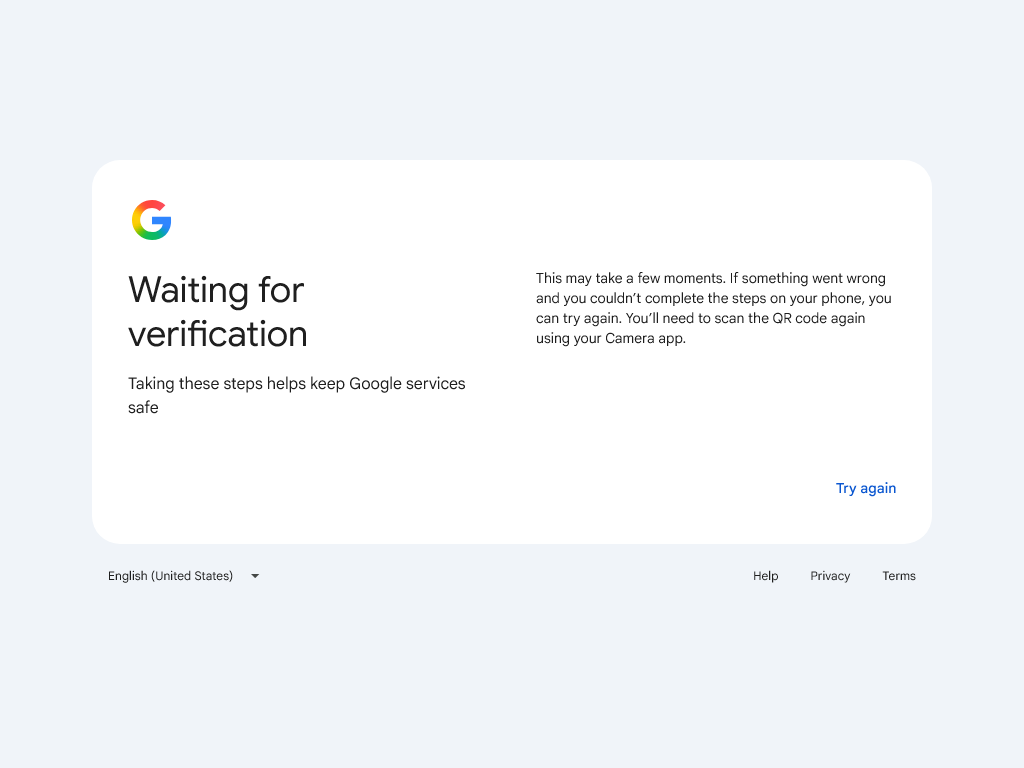
On the iPad, when you scan the QR code is when they say that ‘You need to scan the QR code with a phone,’ and there is no way to bypass this either, including changing the direction of the iPad.
So what can be done if anything? While this is not a hack, in away, but more treat this as a rate limit, sometimes if you close the Incognito session and waiting a few seconds and then try again this can sometimes allow you to use Google without having to solve a Captcha or even having to sign in to use Google.
A few things can trigger this especially if you use Incognito as said above, when you use Incognito its like you are using the browser for the first time so Google is only going based on your IP address that can be used by others like as a school, library, place of work, or those who live in a rural area where not everyone has their own IP address but an IP that Google sees it like you and 50 plus people that can trigger this. Google may also have other things that may look like your a bot such as refreshing the page to fast or to many time in a short window.